AI-POWERED MAINTENANCE MANAGEMENT

The maintenance app that reads your manuals and answers back.

PlantMaster Pro runs your work orders, PM schedules, spares and purchase orders — then adds an AI that has read every equipment manual you own and can troubleshoot a breakdown at 3am when your senior engineer is asleep.

✓ No credit card ✓ Runs on any phone ✓ Works on the plant floor ✓ Set up in an afternoon
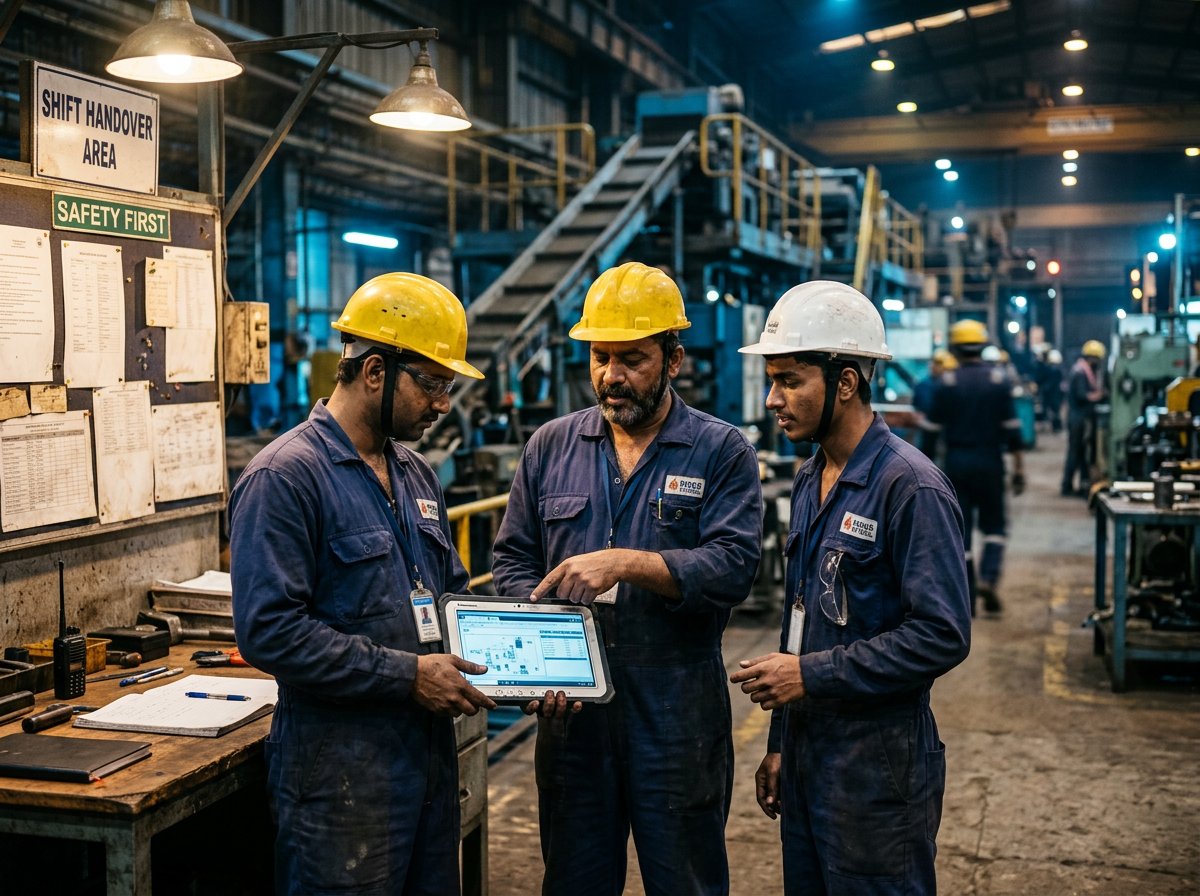
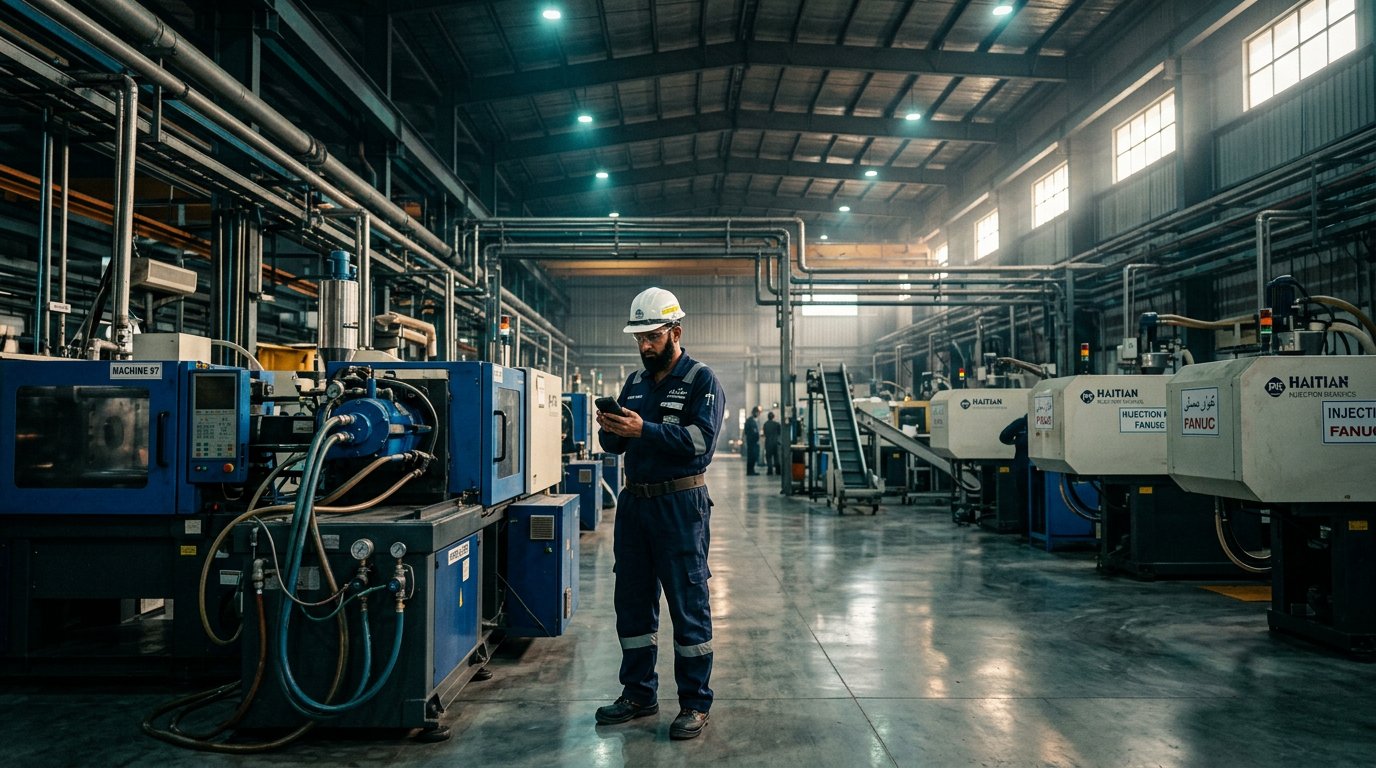
Maintenance engineer using PlantMaster Pro on the plant floor
AITrained on your manuals
19Modules included
24/7Condition monitoring
0Software to install
What makes it different

Record the work. Then get help fixing it.

PlantMaster Pro keeps your maintenance records in order, and puts your own equipment manuals in the hands of whoever is standing at the machine.

AI Problem Solver

Upload your manuals once. Ask questions forever.

Drop in the PDF manuals for your compressors, chillers, moulding machines — whatever you run. The AI indexes every page. After that, any technician can describe a fault in plain language and get an answer taken from your own documentation, not a generic internet guess.

  • Answers cite the exact manual and page they came from
  • Ask in English or Urdu — speak it if typing is slow
  • Captures your senior engineer's knowledge before he retires
  • Works at 3am on a night shift with nobody to call
Compressor tripping on high discharge temperature after 20 minutes. Oil level is normal. What should I check?
Check the aftercooler and oil cooler for fouling first — high discharge temperature with normal oil level usually points to restricted heat exchange rather than lubrication. Verify cooling water flow is at least 45 L/min and confirm the thermostatic valve is opening. If both are correct, inspect the minimum pressure valve for sticking. Source: Atlas Copco GA-75 Service Manual, section 4.3 — Fault Finding
Condition Monitoring

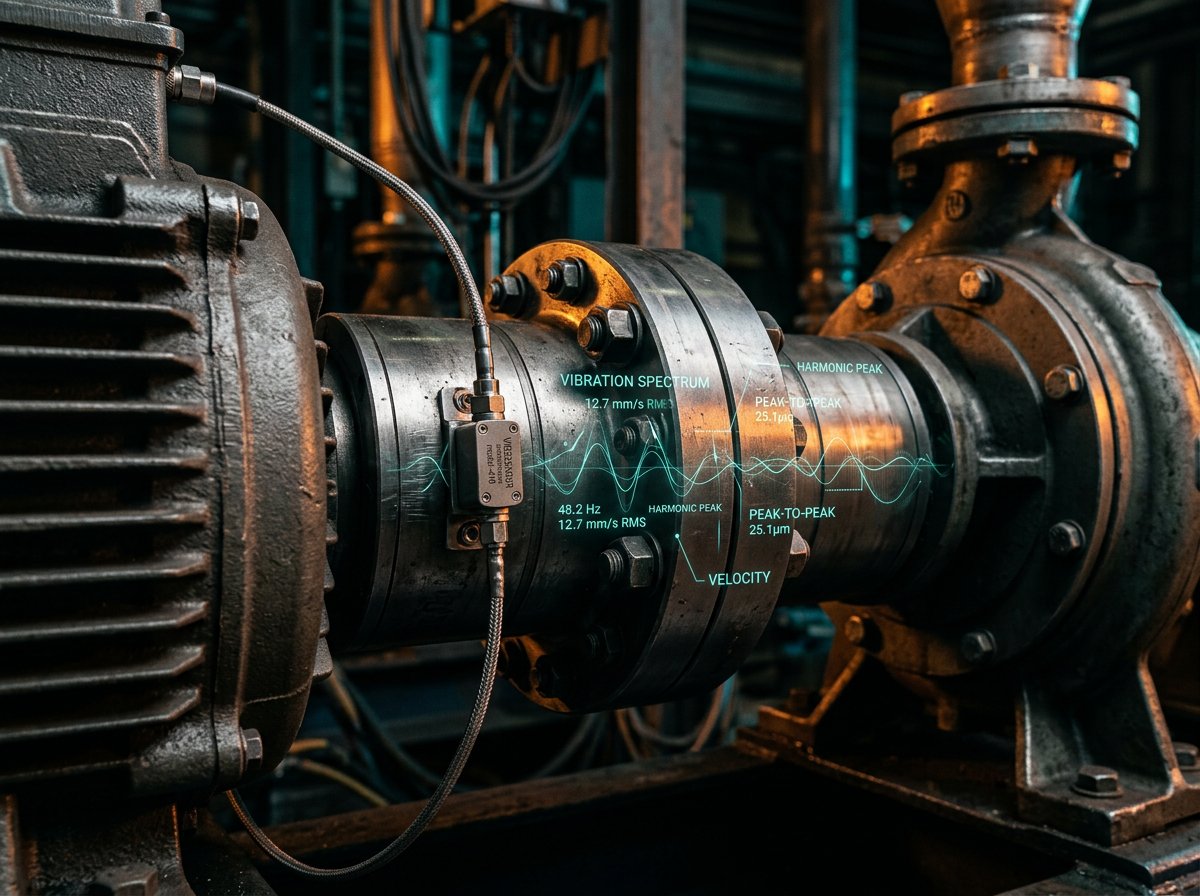
Hear when a machine stops sounding normal

Hold a phone to a running machine and record 30 seconds. PlantMaster analyses the sound, compares it against that machine's healthy baseline, and flags it when the pattern shifts — an early warning that something is changing.

  • Records machine sound with the phone you already carry
  • Baseline recorded once, every check compared against it
  • Alarms raised automatically when the signature drifts
  • Turn an unplanned stoppage into a planned Sunday job
Recording machine sound on an industrial motor
Daily Management Email

The morning report, in your inbox at 7am

Management should not have to open an app to know how the plant is running. Every morning PlantMaster emails a plain summary of what happened yesterday and what needs attention today.

  • Jobs completed, jobs still open, total downtime
  • PM tasks falling due this week
  • Spares below minimum and POs awaiting approval
  • Sent to as many addresses as you like — owner, GM, accounts
PlantMaster Daily Report — Molding Plant to: management · today 07:00
Jobs completed yesterday7
Jobs still open2
Total downtime1 h 15 m
PM due this week4 tasks
Spares below minimum3 items
POs awaiting approvalRs 236,000
Condition alarmsNone
Voice Input

Your fitter speaks. The system writes the report.

The biggest reason maintenance records stay empty is that nobody wants to type on a phone with oily hands. So don't. Press the microphone, describe the job in Urdu or English, and PlantMaster writes it up as a proper technical record.

  • Speak Urdu — it is transcribed and translated to technical English
  • Works for work orders, findings, root cause and handovers
  • Staff who avoid writing will actually use the system
  • Records get filled in properly instead of left blank
Equipment manuals indexed by AI
Real output · not a mock-up

The same question, asked in two accounts

One account had no equipment manuals loaded. The other had the plant's own compressor documentation indexed. Below is what each one actually returned.

Question typed by the technician: “Compressor isn't providing the 8 bar pressure even the capacity of compressors is 10 bar”

Account with no manuals loaded

General engineering knowledge only
Confidence 0.85 0 plant sources
Diagnostic answer
“…typically indicates a leak, mechanical wear, or control system limitation. Check for air leaks in the discharge piping, valves and fittings. Inspect the air intake filter for clogs. Verify the pressure switch or transducer calibration. Check for worn piston rings or leaking valves (reciprocating) or air-end wear (rotary screw).”
Likely causes
  • Air leaks in the discharge line or downstream system
  • Clogged air intake filter
  • Faulty pressure switch or transducer calibration
  • Worn piston rings or leaking valves (reciprocating)
  • Clogged oil separator or minimum pressure valve (rotary screw)
  • Slipping drive belts
Sources PlantMaster General Compressor Maintenance Guidelines · Standard Industrial Pneumatic Troubleshooting Protocol

Account with its own manuals loaded

Grounded in the plant's own documentation
Confidence 0.90 8 plant sources
Diagnostic answer
“…is likely due to incorrect controller setpoints, a significant downstream air leak, or a restricted intake filter. First, verify the ‘Unloading Pressure’ parameter in the controller menu (MAM 6080) to ensure it is not set to 8 bar. Second, inspect the system for air leaks and check the intake air filter for blockages.”
Safe checks, in order
  • Verify ‘Unloading Pressure’ parameter in the MAM 6080 controller menu
  • Perform a leak test on the downstream air distribution system
  • Inspect and clean/replace the air intake filter
  • Check pressure transducer readings against a calibrated gauge
  • Inspect the unloading valve for proper seating
Sources Jaguar 55KW instruction manual, pages 28–31 · Oil-free compressor 75 K OF part manual · Maintenance Schedule — GA compressors and FX Dryer
Both answers are competent. Only one of them tells the technician which menu to open on the controller in front of him — and shows the page it came from, so he can check it himself. The generic answer sends him hunting through five possibilities; the grounded one starts with a setting that is often the whole problem, and no parts are replaced unnecessarily.
The foundation

All the everyday work, done properly

The AI is the reason people stay. This is the reason they start.

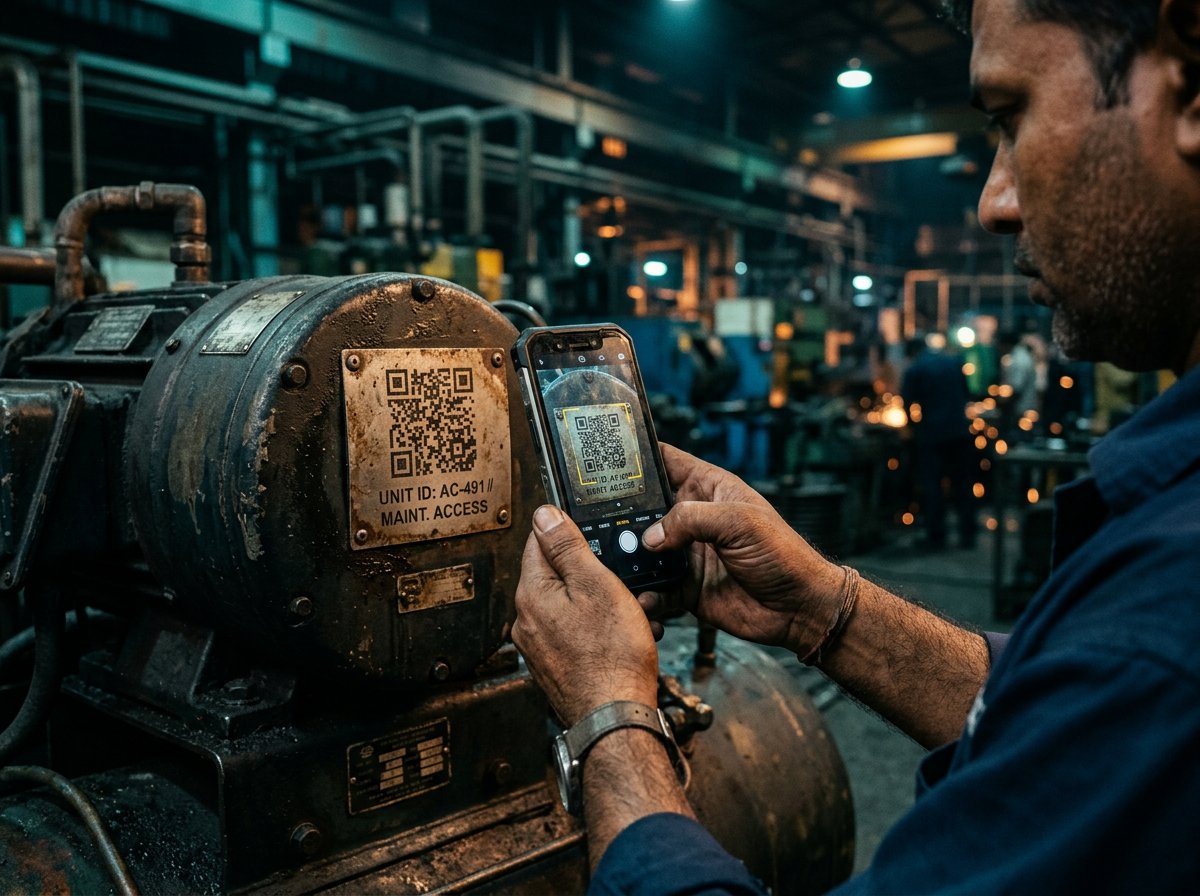
Work orders & QR scanning

Point the camera at the machine. Everything opens.

Stick a QR label on each asset. A technician scans it and gets that machine's full history, open jobs, manuals and spare parts while standing in front of it.

  • Priority, downtime, labour time and cost on every job
  • Root cause and corrective action captured while fresh
  • Photos straight from the phone camera
  • Meter readings logged on the spot, PM triggered automatically
Scanning an asset QR code
Spares & procurement

From "we need this" to goods received, with approvals

A technician requests a part. The manager converts requests into a purchase order, the owner approves it, and stock increases automatically when it arrives.

  • Stock levels, minimum alerts and bin locations
  • Material requests convert to a PO in one tap
  • Supplier records, GST handled, printable PO with signatures
  • Goods receipt updates stock — no double counting
Maintenance team reviewing work
Reporting & analytics

Know which machine is costing you money

Downtime by asset, mean time to repair, cost per machine, job completion rates. The numbers you need when deciding whether to repair or replace.

  • Downtime and MTTR trends per asset
  • Maintenance cost and spare consumption by machine
  • Technician workload and completion rates
  • Export anything to Excel whenever you want
Plant manager reviewing maintenance reports
Everything included

Nineteen modules. One subscription.

No paid add-ons and no locked "enterprise" features you actually need on day one.

🧠

AI Problem Solver

Troubleshooting answers taken from your own uploaded equipment manuals, with sources cited.

Condition Monitoring

Record machine sound, compare it against a healthy baseline, and get flagged when it changes.

📧

Daily Email Report

Morning summary to management — jobs, downtime, PM due, low stock, pending approvals.

🗣

Voice Input

Speak in Urdu or English. Transcribed and written up as a proper technical record.

🧰

Work Orders

Corrective jobs with priority, downtime, labour, root cause, photos and sign-off.

🛠

Preventive Maintenance

Weekly, monthly, yearly and meter-based plans that raise jobs automatically.

🏭

Asset Register

Every machine with code, location, running state, meter readings and full history.

📷

QR Scanning

Label each asset, scan to open its record instantly. No typing codes.

📦

Spares & Tools

Stock, minimum alerts, bin locations, issue and receive, tool custody and calibration.

🧾

Purchase Orders

Requests, approvals, suppliers, tax, printable POs and goods receipt.

Checklists

Build inspection templates once, run them on the floor, keep the completed record.

👷

Roster & Attendance

Shift assignments, handovers, daily logs and attendance in one place.

📋

Audit Trail

Every change logged with the person, action and time. Download as CSV, Excel, Word or PDF.

📊

Reports & Analytics

Reports across every operational area, exportable in four formats for management and auditors.

📚

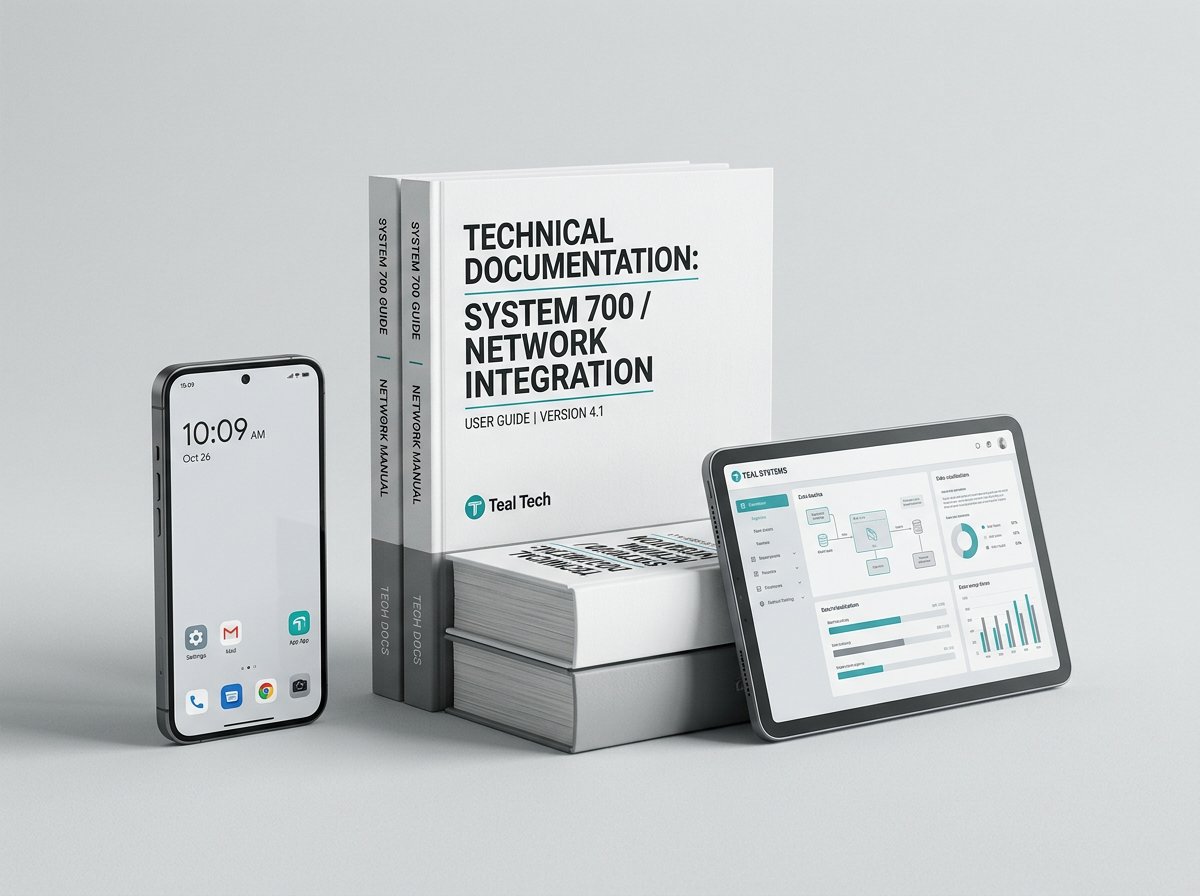
Manuals & Drawings

Central library of equipment documentation, indexed and searchable by the AI.

💬

Support Desk

Raise an issue from the floor, track it to closure, keep the full conversation on record.

🗂️

Files & Photos

Attach evidence to any record — nameplate photos, damage pictures, test certificates.

♻️

Recovery Bin

Nothing is truly deleted. Restore a removed record, or erase it permanently on purpose.

👥

Team & Permissions

Invite your team, set owner, manager and supervisor roles, control who approves what.
Questions

What plant managers ask us

How does the AI actually know about our machines?

You upload the PDF manuals for your equipment. The system reads and indexes every page. When a technician asks a question, the answer is built from those documents and tells you which manual and section it came from. It is not guessing from the internet — it is quoting your own paperwork.

Do my technicians need to be good with computers?

No. If they can use WhatsApp they can use PlantMaster. Large buttons, few screens, and voice input for anyone who does not want to type. Most teams are working confidently after a twenty-minute walkthrough.

Do we need to buy computers, tablets or sensors?

No. It runs in the browser on any Android phone your staff already carry. Condition monitoring records machine sound through the phone's microphone and compares it against a baseline you set — it is an early-warning aid, not a replacement for calibrated vibration analysis.

What happens when the internet or power goes?

If the connection drops briefly while you are saving a record, the entry is held on the phone and sent automatically once the signal returns, so the work is not lost. A working internet connection is needed for normal day-to-day use.

How long does setup take?

An afternoon for most plants. We create your company, add your plants and import your asset list and spares from Excel for you at no charge.

Is our data safe, and who can see it?

Your data is isolated from every other company at the database level, not just hidden in the interface. Inside your company, access is controlled by role — owner, manager, supervisor, technician. You can export everything at any time.

Can it connect to our accounts or ERP software?

Yes. PlantMaster has a REST API so your accounts system can read assets, work orders, spares, suppliers and purchase orders automatically. Your IT person or software vendor gets an API key and documentation.

What if we want to stop?

Cancel whenever you like. No lock-in contract, no cancellation fee. Export your complete data to Excel first — it is yours and we will help you get it out.

See it running on your own machines

Start a 7-day free trial, or send a WhatsApp message and we will walk you through it on a call. No sales pressure, no credit card.